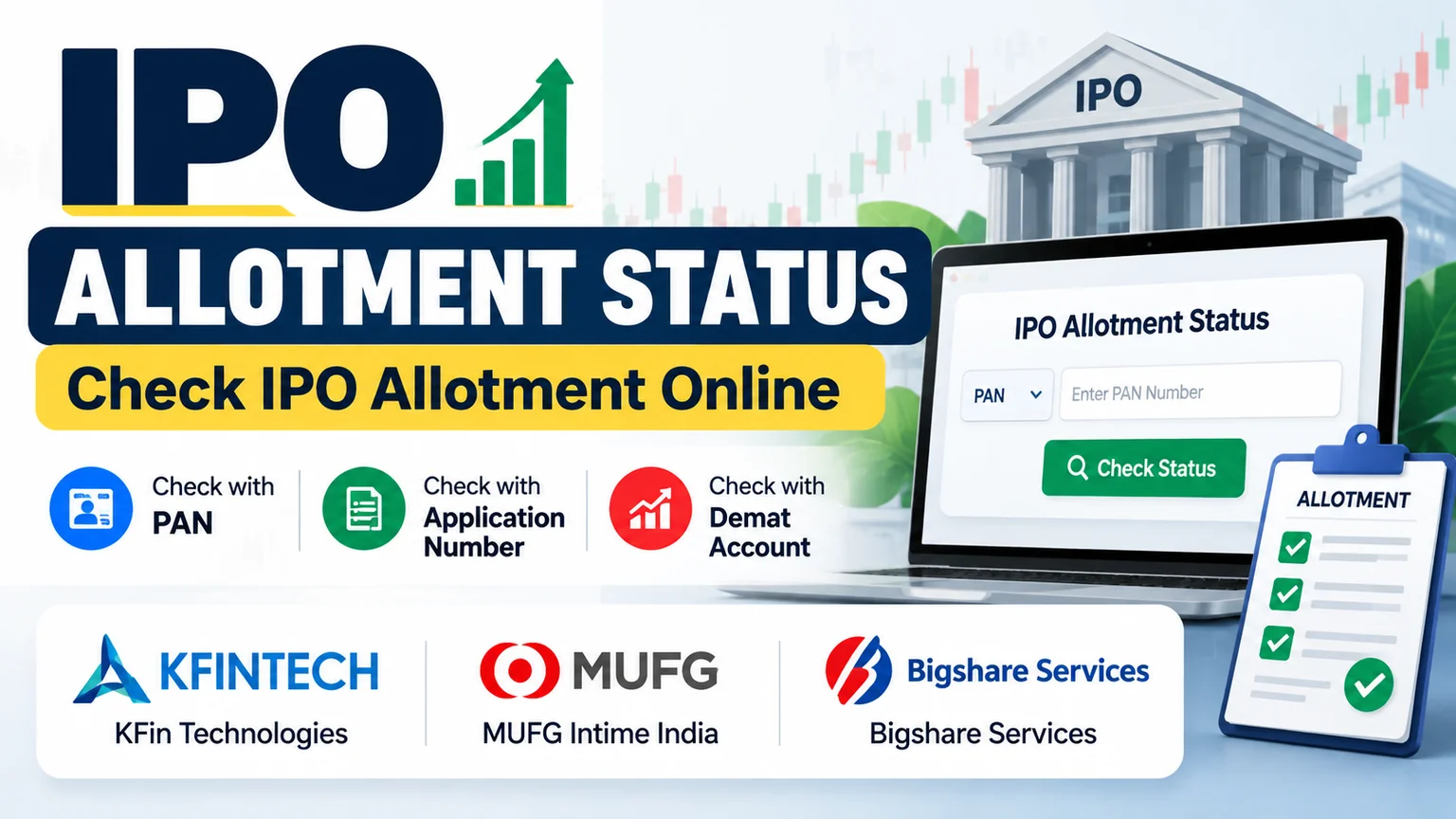
Want to check your IPO allotment status? Find your IPO in the table below and check whether shares have been allotted to you through the official website of the IPO registrar.
You can generally check your IPO allotment status using your PAN, application number, or Demat account details, depending on the registrar.
Current IPO Allotment Status
| IPO Name | Issue End Date | Registrar | Status |
|---|---|---|---|
| Adroit Industries (India) Limited | 25-Sep-2026 | Bigshare Services Private Limited | Check Status |
| ArMee Infotech Limited | 25-Sep-2026 | Cameo Corporate Services Limited | Check Status |
| Elevate Campuses Limited | 25-Sep-2026 | KFin Technologies Limited | Check Status |
| Swastika Infra Limited | 25-Sep-2026 | MUFG Intime India Private Limited | Check Status |
| Varmora Granito Limited | 24-Sep-2026 | KFin Technologies Limited | Check Status |
| Pooja Logistics Limited | 25-Sep-2026 | Maashitla Securities Private Limited | Check Status |
| Coreintegra Consulting Services Limited | 25-Sep-2026 | Purva Sharegistry (India) Private Limited | Check Status |
Note: This table can be updated when IPO allotment information becomes available. Always check your individual allotment status through the official registrar website.
You can also read: How to Invest in IPO in India: A Beginner’s Guide to Applying for an IPO
How to Check IPO Allotment Status
Follow these simple steps to check your IPO allotment status online:
- Find the IPO you applied for in the table above.
- Identify the IPO registrar.
- Click the Check Status link.
- Select the relevant IPO on the registrar’s website.
- Choose an available search option such as PAN, application number, or Demat details.
- Enter the required information.
- Submit the details to view your IPO allotment status.
The available search options may vary depending on the IPO registrar.
Check IPO Allotment Status by PAN
Checking an IPO allotment status using your PAN is one of the easiest methods when PAN-based search is available.
Steps to Check IPO Allotment by PAN
- Visit the official IPO registrar website.
- Select the relevant IPO.
- Choose PAN as the search option.
- Enter your PAN details.
- Complete the required verification.
- Click Submit/Search.
- View your IPO allotment status.
Some registrar platforms provide PAN-based IPO status checking.
Check IPO Allotment Status by Application Number
You can also check your IPO allotment status using your application number if this option is provided by the registrar.
Process
Registrar Website → Select IPO → Application Number → Enter Details → Submit → View Status
Your application number can generally be found in the IPO application acknowledgement or application details provided by your broker or intermediary.
Check IPO Allotment Status Using Demat Details
Some IPO registrars provide an option to check allotment using DP ID and Client ID.
To use this method:
- Visit the official registrar website.
- Select the relevant IPO.
- Choose the Demat or DP ID/Client ID option.
- Enter the required details.
- Submit the information.
- Check your IPO allotment status.
The available search methods depend on the registrar handling the IPO.
IPO Allotment Status by Registrar
The IPO registrar is responsible for handling various issue-related processes, including the application and allotment process.
KFin Technologies
KFin Technologies provides an online facility for checking IPO-related application and allotment information.
[Check KFin Technologies IPO Allotment Status →]
MUFG Intime India
MUFG Intime India provides an online platform for checking public issue-related information, including IPO application status where applicable.
[Check MUFG Intime IPO Allotment Status →]
Bigshare Services
Bigshare Services provides an online IPO status facility through which investors can check available application and allotment information.
[Check Bigshare IPO Allotment Status →]
Important: Always use the official registrar website when checking your IPO allotment status. Avoid entering your PAN or other sensitive information on unknown websites.
How to Find Your IPO Registrar
If you do not know who the registrar of an IPO is, you can find this information in the company’s official documents. When an IPO is launched, the company’s Red Herring Prospectus (RHP) also mentions the name of the IPO registrar.
You can also check the NSE official website for this information. Check from NSE official website:
Home→ Market Data → IPO→ Company Names → Click on applied IPO → Issue Information → Name of the Registrar
Once you identify the registrar, you can use its official IPO status page to check your allotment.
What Does IPO Allotment Status Mean?
Your IPO allotment status tells you whether shares have been allotted to your application after the allotment process.
Allotted
This means shares have been allotted to your IPO application. The number of shares allotted will depend on the finalized basis of allotment.
Not Allotted
This means no shares have been allotted to your application.
Status Not Available
This generally means the allotment information has not been released yet, or the information entered may not match the registrar’s records.
Check the scheduled allotment date and try again later if the status is not available.
When Can You Check IPO Allotment Status?
You can generally check your IPO allotment status after the basis of allotment has been finalized.
The exact allotment date depends on the IPO’s issue schedule.
The process generally follows this sequence:
IPO Closes → Basis of Allotment → Allotment Status → Fund Unblocking → Share Credit → Listing
Therefore, IPO allotment status may not be available immediately after the IPO closes.
Why Is My IPO Allotment Status Not Showing?
If your IPO allotment status is not showing, check the following:
- Has the scheduled allotment date arrived?
- Are you checking the correct IPO?
- Are you using the correct registrar?
- Did you enter your PAN or application details correctly?
- Is the registrar’s website experiencing heavy traffic?
If the information is correct but the status is still unavailable, try checking again after some time.
Is IPO Allotment Guaranteed?
No.
Submitting an IPO application does not guarantee that shares will be allotted.
If an IPO receives more applications than the shares available in a particular category, some applicants may not receive an allotment.
The final allotment depends on the applicable allotment process and the basis of allotment finalized for the issue.
What Happens If IPO Shares Are Not Allotted?
If shares are not allotted, the amount blocked for the IPO application is released according to the applicable process.
If shares are allotted, the allotted shares are credited to the investor’s Demat account according to the issue schedule.
IPO Allotment Status – Quick Guide
| Question | Answer |
|---|---|
| Where can I check IPO allotment status? | Official IPO registrar website |
| Can I check IPO allotment by PAN? | Yes, if supported by the registrar |
| Can I check using an application number? | Yes, if supported |
| Can I check using Demat details? | Yes, if supported |
| Is IPO allotment guaranteed? | No |
| When can I check the status? | After the basis of allotment is finalized |
Frequently Asked Questions
What is IPO allotment status?
IPO allotment status tells you whether shares have been allotted to your IPO application after the allotment process.
How can I check IPO allotment status?
Find the IPO registrar, visit its official website, select the relevant IPO, enter the required details and submit the form to view your allotment status.
Can I check IPO allotment status by PAN?
Yes, you can check your IPO allotment status using your PAN when the registrar provides a PAN-based search option.
Can I check IPO allotment without an application number?
Yes. If the registrar provides alternative search options, such as PAN or Demat details, you may not need your application number.
Where can I find my IPO registrar?
You can find the registrar’s name in the IPO’s official issue documents and other official IPO information.
Why is my IPO allotment status not available?
The allotment may not have been finalized yet, or you may be using the wrong registrar or entering incorrect application details.
Does applying for an IPO guarantee allotment?
No. Applying for an IPO does not guarantee that shares will be allotted.
Final Words
Checking your IPO allotment status is simple:
Find Your IPO → Identify Registrar → Visit Official Registrar Website → Enter Details → Check Status
Use the table above to quickly find the IPO allotment date, registrar and status-check option for the IPO you applied for.
Bookmark this page for future IPO allotment updates.